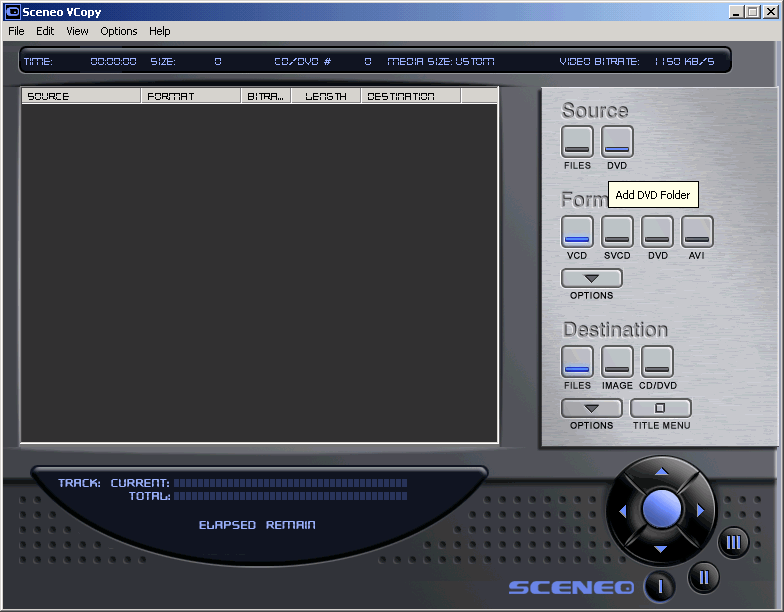
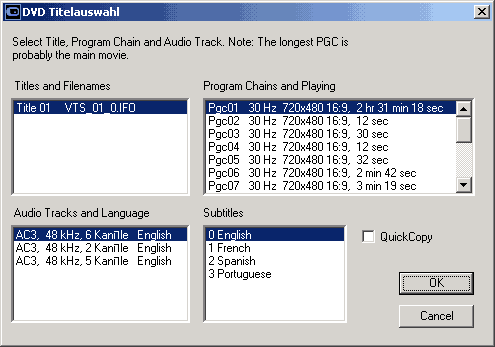
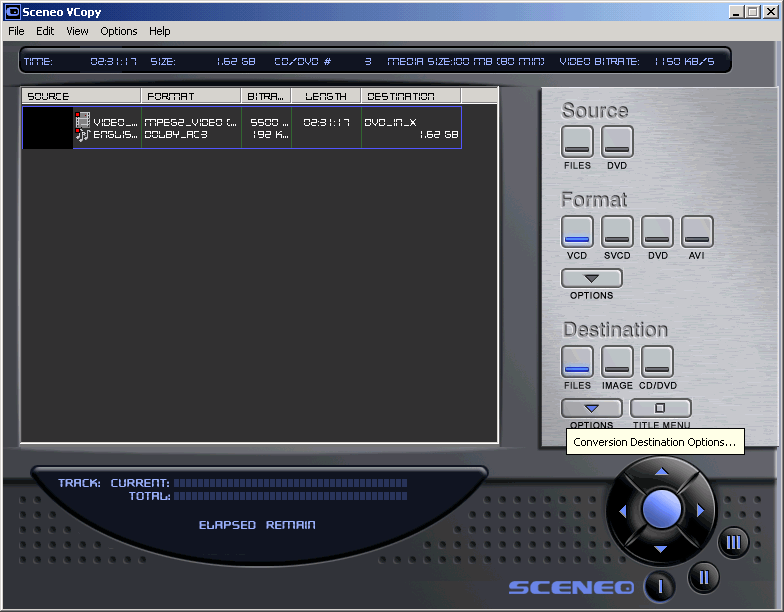
Step 1(a/b) - Select your "Source" from either "Files" or "DVD" selection, for this example i've used DVD Movie as source.
b)
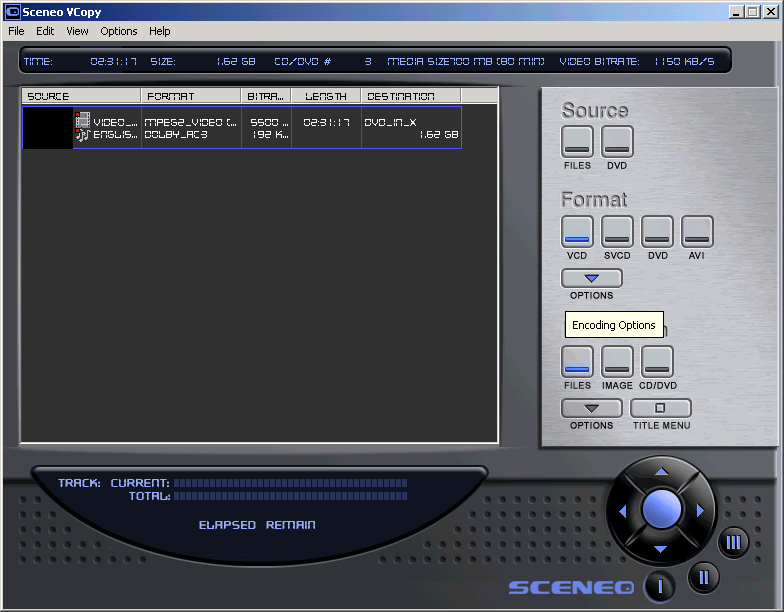
Step 2(a/b) - Now
select the output "Format" you want, your options can be from
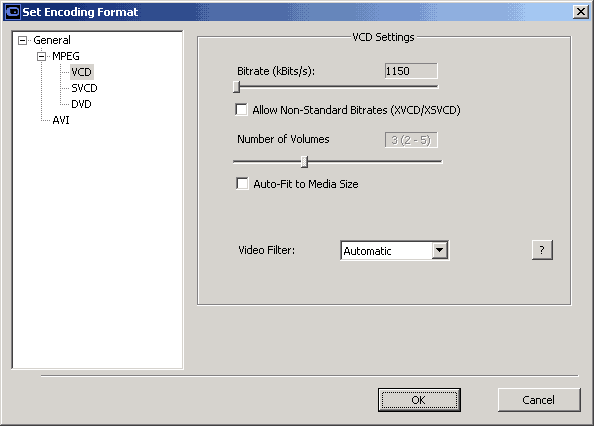
(S)/VCD/DVD or AVI, Click on "Options" once you selected the desired
output. And then change options according to the format.
b)
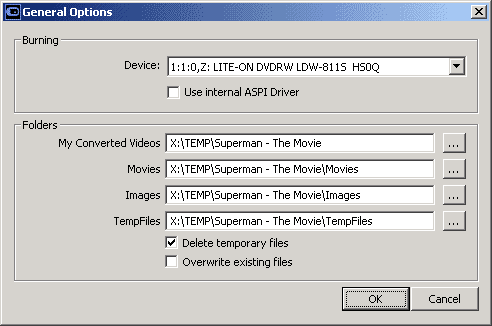
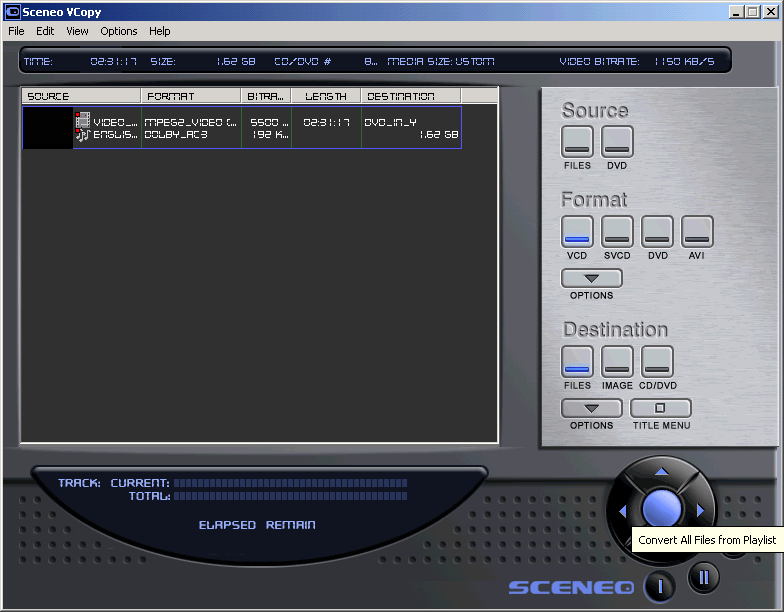
Step 3(a/b/c) - Under the "Destination" select how you want the movie prepared, as "Files" will give you just the Movie itself, as "Image" will create a CD Ready Image, or as a "CD/DVD" to automaticly burn when it's done encoding. Then click on "Options" to set up the desired output. When you are done, click on hte "Convert" button to begin.
b)
c)
Next - Splitting large MPEG files to fit CDR media! or Authoring [Burn! Baby Burn!]